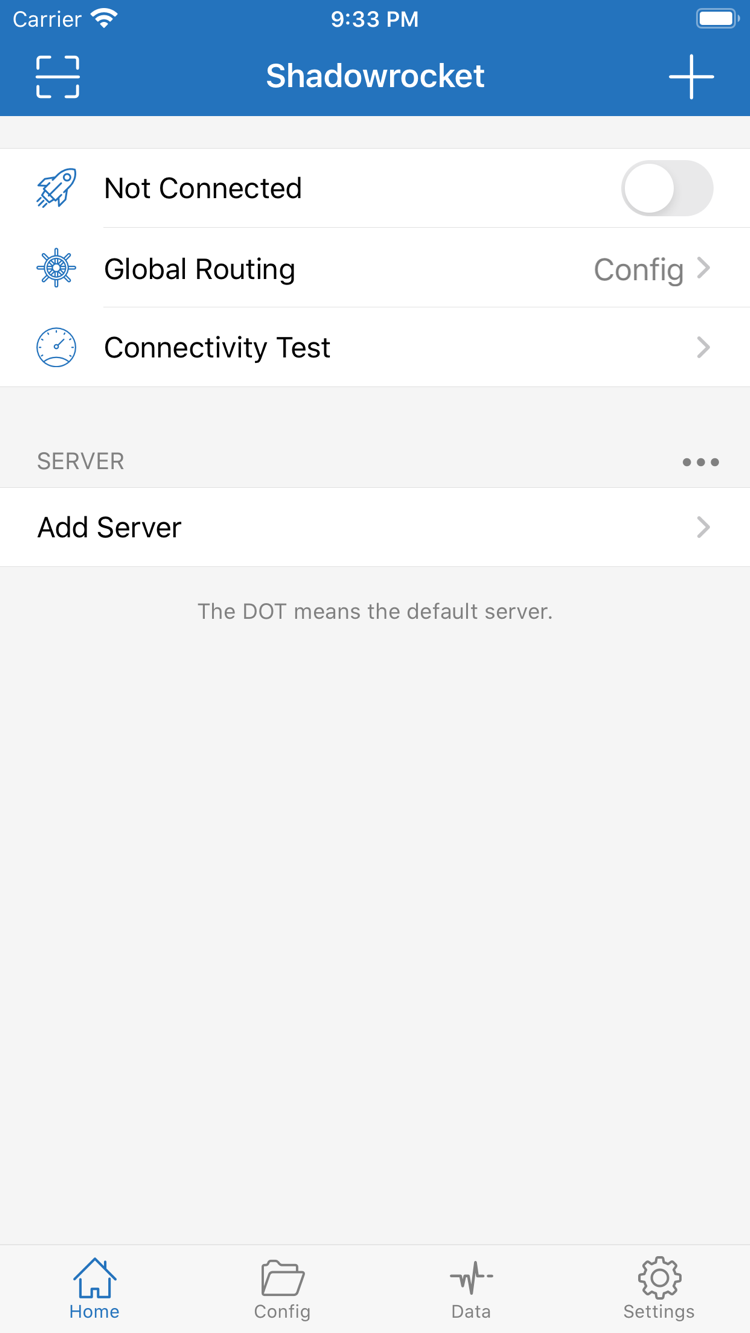
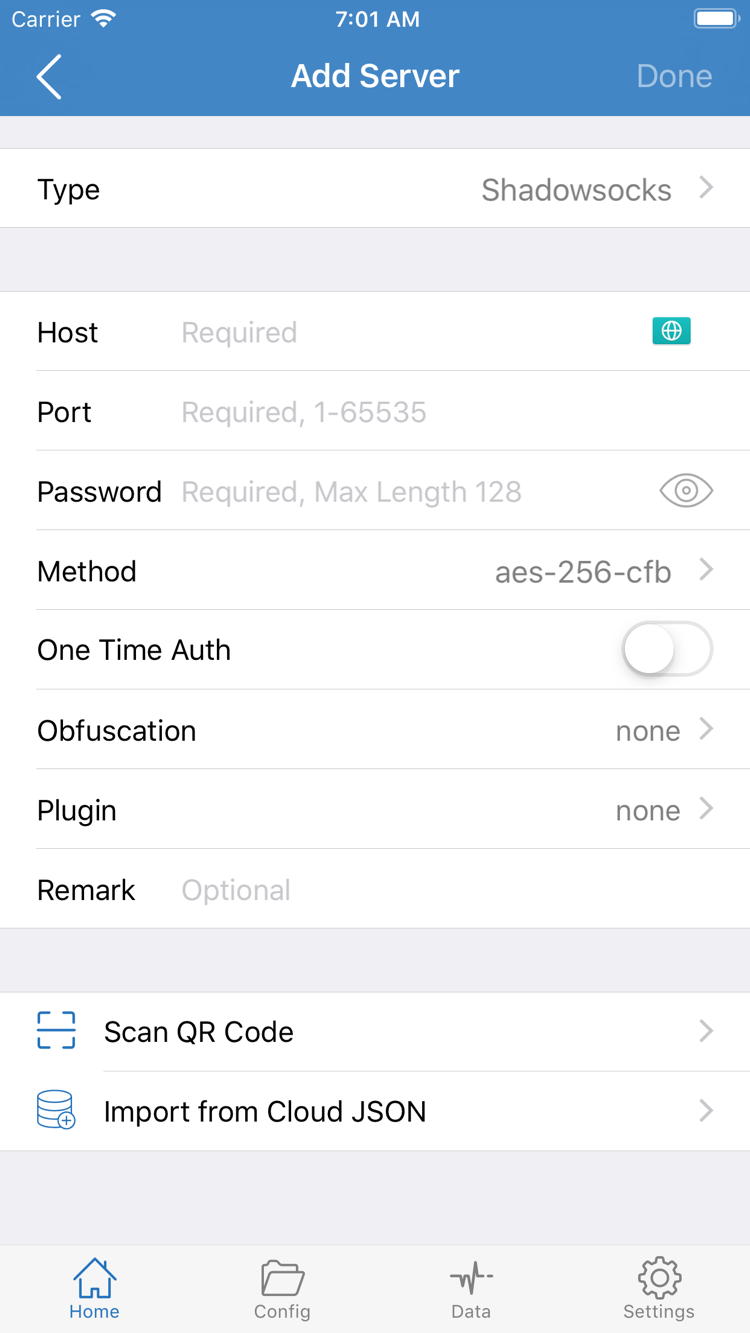
The app is not available in the mainland China store. The App Store storefront is determined by the country or region of the Apple ID used for Media & Purchases, not by the webpage language or the device language alone. If you cannot find the app, check your storefront account information first to determine whether the issue is availability.
Check your current country or region
On iPhone / iPad, open Settings, tap your Apple ID at the top, then choose Media & Purchases → View Account → Country/Region. The system may ask you to verify your identity. This shows the account used for purchases; if the device is signed in to different accounts for different purposes, use the account shown under Media & Purchases.
Review region-change options and restrictions
If you need to change the region, go to Change Country or Region in the same place. Apple’s account process will show any requirements, which may involve account balance, existing subscriptions, Family Sharing status or a payment method. Read the system prompts and meet the applicable requirements. Do not enter payment information that is not yours. This page explains where to find the setting but cannot guarantee that an account can change regions.
After opening the App Store product page linked here, if it says the app is unavailable in your region, check your account region. If it says your device is incompatible, review the compatibility information. Account verification, payment failures and paused downloads are different issues and should be handled separately. Before purchasing, confirm which purchase account is signed in so you can find the purchase record later.